


Creating your account and household
Register, confirm your email, name the household, and walk through set-up. Ten minutes, and every step can wait until later except the first two.
Updated 28 September 20262 min read
The short version. Sign up with your email, click the confirmation link, then follow the seven short set-up screens. Only the first three matter today; the rest can wait and will remind you.
Step 1: create an account
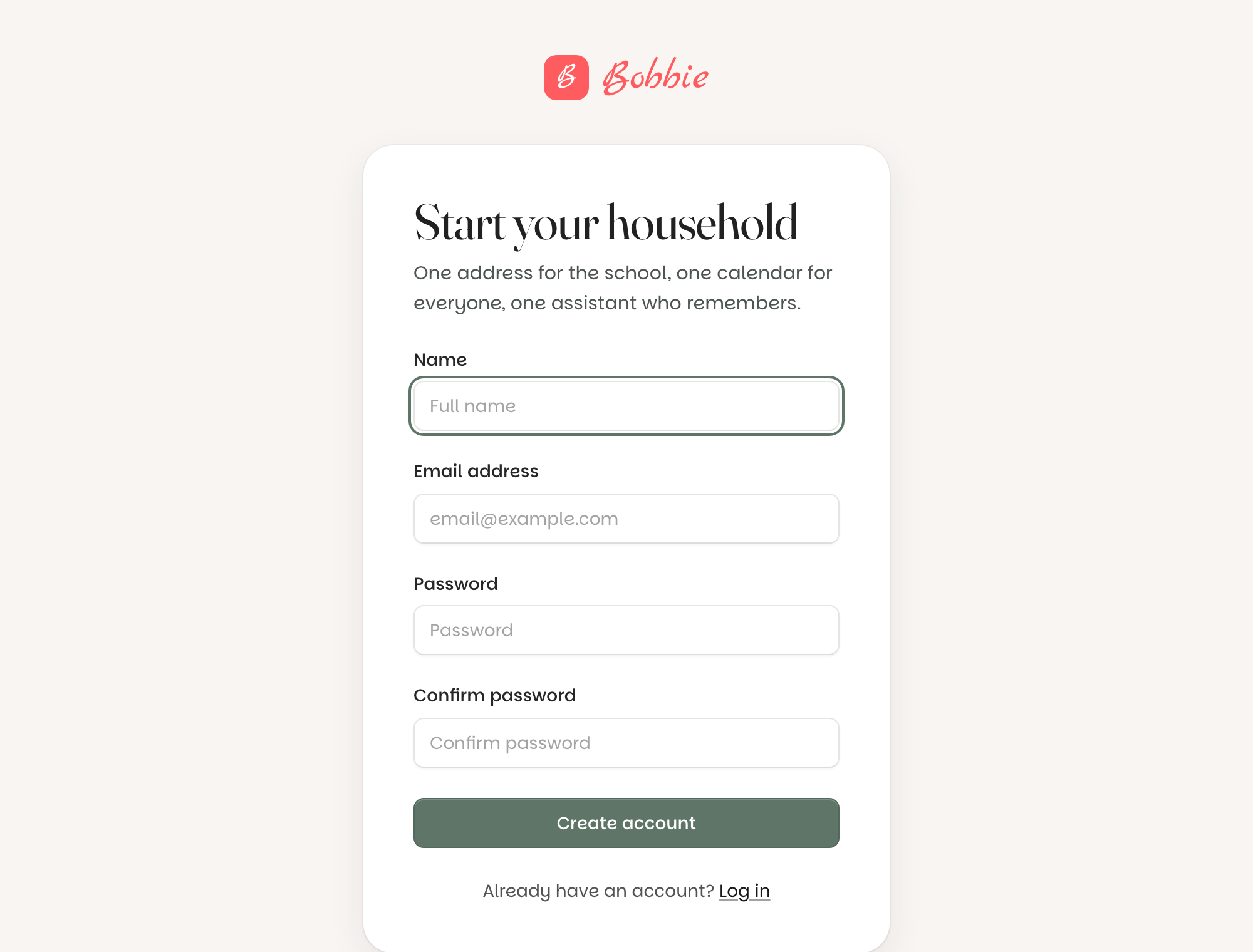
Go to askbobbie.co.uk, press Log in, then Sign up. Your name, your email, a password. That is the whole form.
Step 2: confirm your email
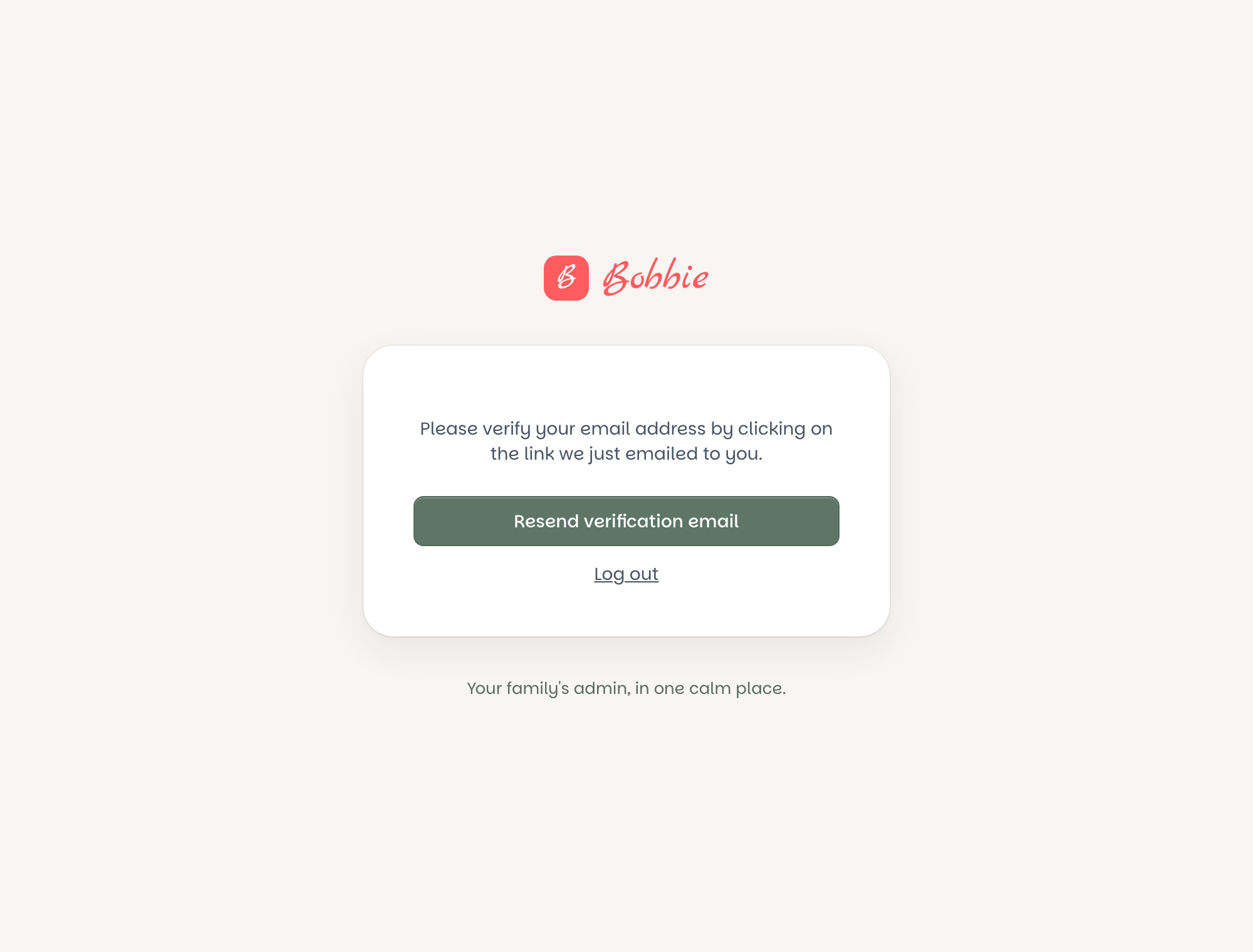
Bobbie emails you a link. Press it and you are in. Until you do, the app waits on a page that says so, with a Resend verification email button if the first one went astray.
Step 3: set-up, seven short screens
Set-up walks you through it, one thing per screen, with a phone beside you showing what Bobbie will look like as you go.
- Your house. What you call it. This becomes your Bobbie address (
[email protected]), so shorter is better. - The children. First names and year groups. See adding the children.
- You and the other grown-ups. What the family calls you, and the email of anyone else who looks after them. They are invited when set-up finishes. See inviting another grown-up.
- How letters reach Bobbie. Give the school your address, forward from your own mailbox, or WhatsApp. Can wait.
- Your calendar. Connect Google, or not yet. Can wait.
- The round-up. What time you want the evening summary. Can wait.
- A first letter. Send one and watch it become an entry. Can wait.
Press Later on anything you are not ready for. What is left shows as a card on Today until you dismiss it, and as a number on the relevant tab in Settings.
What is really happening
Your account is yours; the household is shared. One person creates the household and is its owner; other grown-ups join by invitation with their own logins. Your email is confirmed so that nobody can sign up as you, and so the invite and reset emails reach the right person. Passwords are stored hashed, never in the clear, and you can add two-step sign-in from Settings once you are in.
Questions people ask
- Can two people share one login?
- You can, but there is no need to. Invite the other grown-up from Settings and they get their own login, their own round-ups and their own name on things, while seeing the same household.
- I never got the confirmation email.
- Check junk and any promotions folder, and that the address you typed is right (it is shown on the page). Press Resend. If it still has not come after five minutes, email [email protected] from that address and we will confirm it by hand.
- Can I change the household name later?
- Yes, in Settings, Household. Your Bobbie address stays the same, so the school never needs telling twice.