


What Bobbie is, in two minutes
The four ways things get in, the Inbox where you check them, the calendar everyone shares, and the chat. Read this first if you want the shape of it before the detail.
Updated 28 September 20262 min read
The short version. Things get in (email, forwarding, WhatsApp, photos). Bobbie reads them and puts what it found in your Inbox. You tap "Looks right" and it goes on the calendar every grown-up in the house shares. You ask Bobbie questions in plain English, in the app or on WhatsApp. That is the whole shape of it.
Four doors in
- Your Bobbie address. Every household gets one, like
[email protected]. Give it to the school, add it as a second email in ParentPay, or forward things to it. See your Bobbie address. - Forwarding from your own mailbox. One rule in Gmail, Outlook or iCloud sends the school's emails to Bobbie too, and nothing else. See forwarding from Gmail.
- WhatsApp. Link your phone once and send Bobbie photos of paper letters, voice notes, or messages forwarded from the class group. See linking your WhatsApp.
- The share sheet and the chat. From your phone, share a photo or PDF straight to Bobbie, or drop it into the chat. See photos, PDFs and voice notes.
One Inbox to check
Whatever comes in, Bobbie reads it and pulls out the things a family needs: the date, the money, what to bring, what to sign, and which child it is for. Each one waits in the Inbox with the original letter beside it. You tap Looks right, Not needed, or edit it first. Mail from someone in your own household skips the queue and goes straight on. See going through the Inbox.
One calendar for everyone
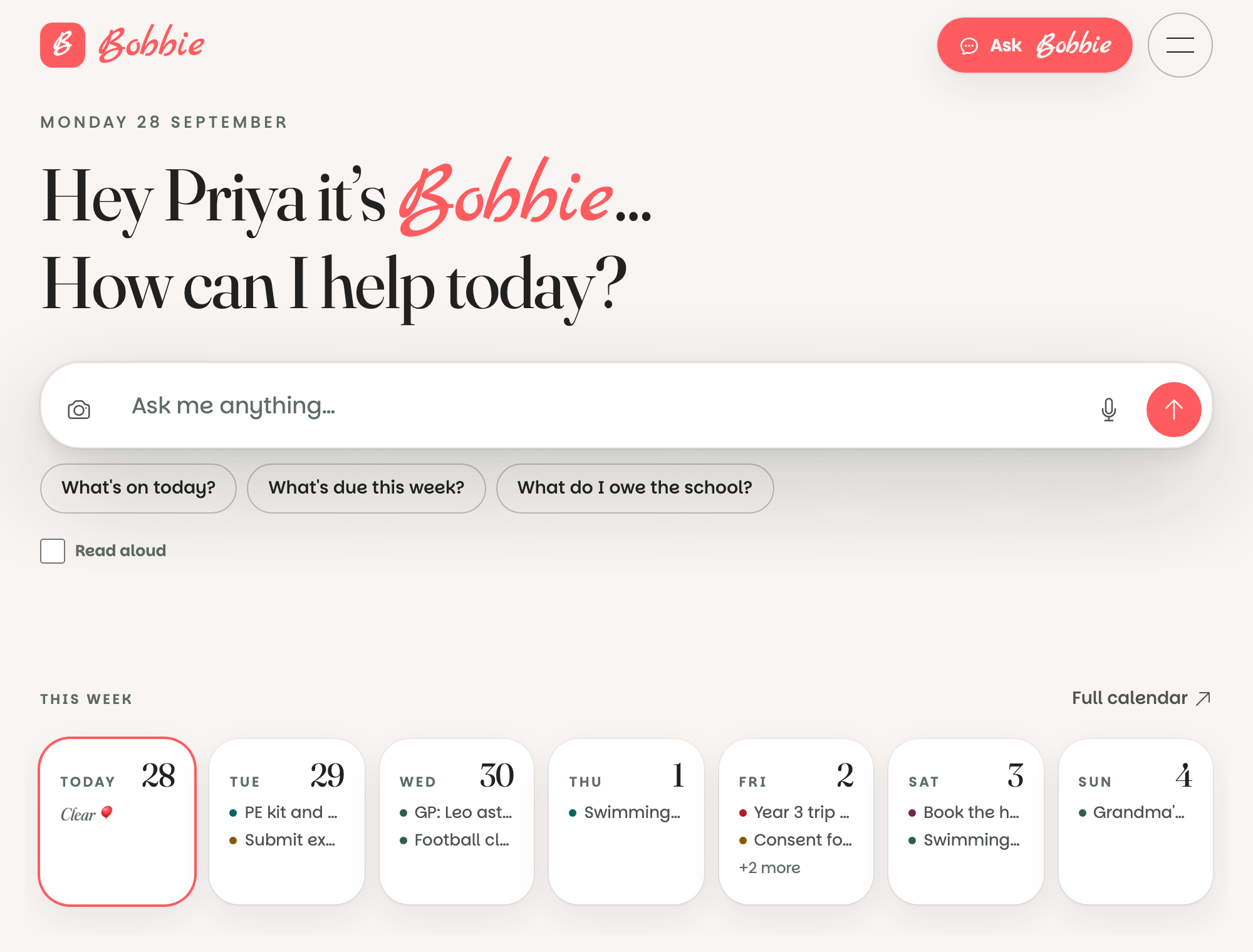
Confirmed things land on the calendar and on Today, with the child's name and colour. Every grown-up in the household sees the same picture, so nobody has to be the one who remembers. There are boards for payments, to-dos, dinners and shopping, and a Bin that keeps deleted things for thirty days. If you use Google Calendar, Bobbie can show it alongside, and show its own calendar in Google if you switch that on.
Ask Bobbie anything
"What's on Thursday?", "What do I owe the school?", "Add swimming on Saturdays at 9:30", "What's for dinner?". Bobbie looks things up before it answers, never guesses dates or amounts, and can add, edit and tick things off when you ask. You can type, speak, or message it on WhatsApp. See asking Bobbie things.
What is really happening
Bobbie is a reader and a calendar with a conversation on top. The reading is done by an AI model on our behalf, which finds the dates and money in what you send; the confirming is always yours, and mail from strangers never goes on the calendar without a tap. Nothing is read that you have not sent, and the raw letters are deleted after thirty days. The privacy notice has the full list of what is kept and who touches it.
Questions people ask
- Do I have to use all of it?
- No. Most families start with one door in (usually the email address) and the Inbox, and add WhatsApp or Google Calendar later. Dinners, shopping and the to-do boards are there when you want them and out of the way when you don't.
- Does the school need to do anything?
- Nothing new. You give the school an email address, or forward what they send, exactly as you would with any other address. There is no system for the school to join.